GlobalEdge Shipping
From getting a quote to following a delivery.
Shipping enquiries, shipment booking and tracking
Visit live site ↗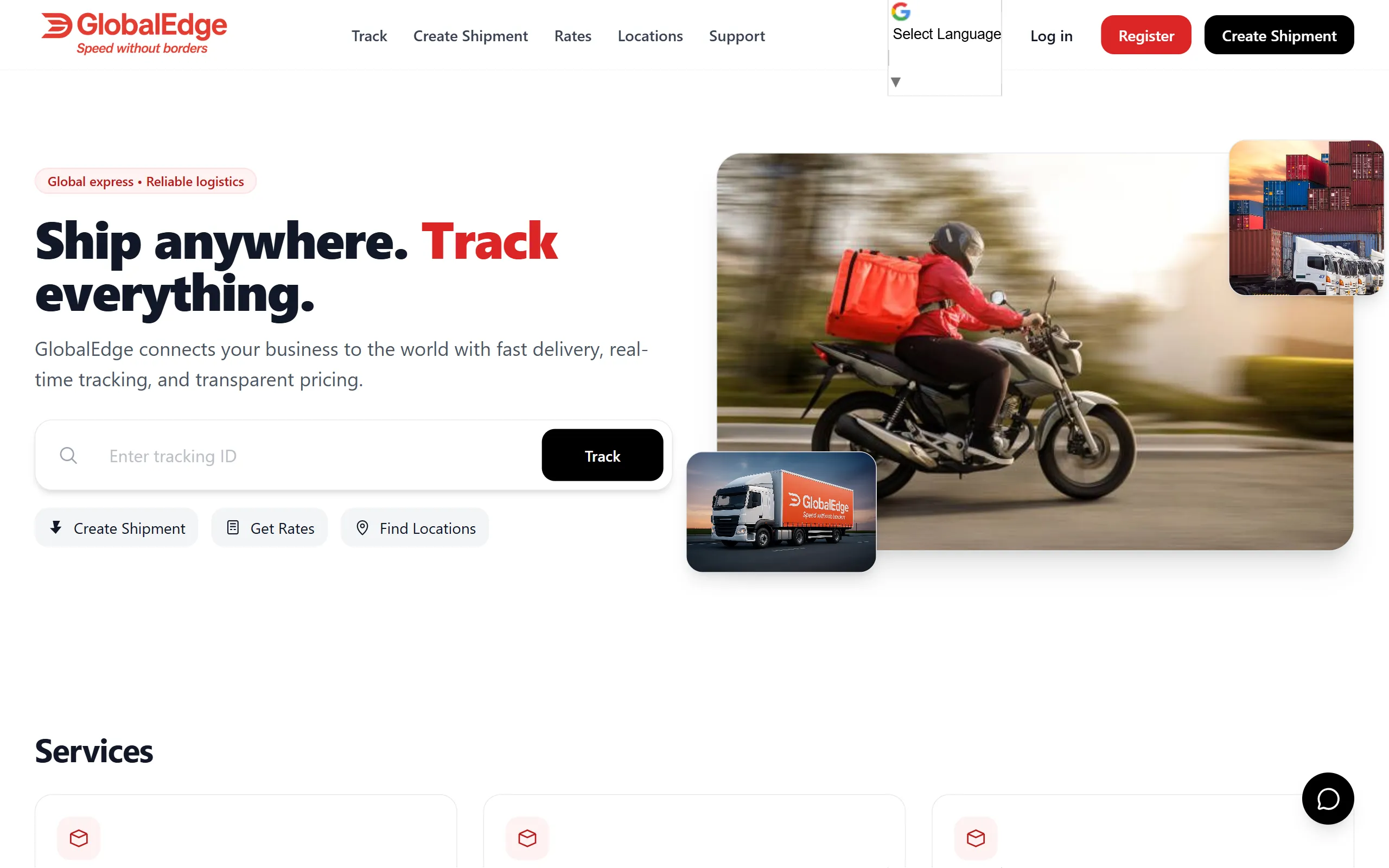
What the site is for.
For a shipping customer, the questions change as the job moves along. First it is ‘how much will this cost?’ Then it is ‘how do I send it?’ After that, it is usually ‘where is it now?’ GlobalEdge is organised around those questions, with booking and tracking at the centre of the site.
How it comes together.
The shipment form starts with the service and journey, then brings in the sender and recipient details. Tracking has its own page, where a status timeline and map explain the shipment’s progress. The phone screens keep the same information available for someone checking a delivery while they are away from a desk.
A closer look.
01Parcel and freight options help customers choose the service that fits what they are sending.
02The booking sequence brings the route and contact details together before checkout, allowing the customer to review the shipment information.
03The timeline explains progress in stages, while the map gives the route a location people can recognise.
04Tracking links, shipment documents and support options give customers ways to keep the information or ask a follow-up question.
For the business.
The business has a connected set of screens for shipment enquiries, bookings and tracking updates. Customers have somewhere to check progress and share shipment information, while contact options remain available when they need help. The website supports the customer through the delivery rather than stopping at the initial enquiry.
For a closer technical look +
What you can review
Explore the live website alongside the shipment creation, tracking timeline and desktop/mobile screenshots below.
A look through the site.
7 images / Open to enlargeVisitors can start with a shipping enquiry or look up an existing shipment.
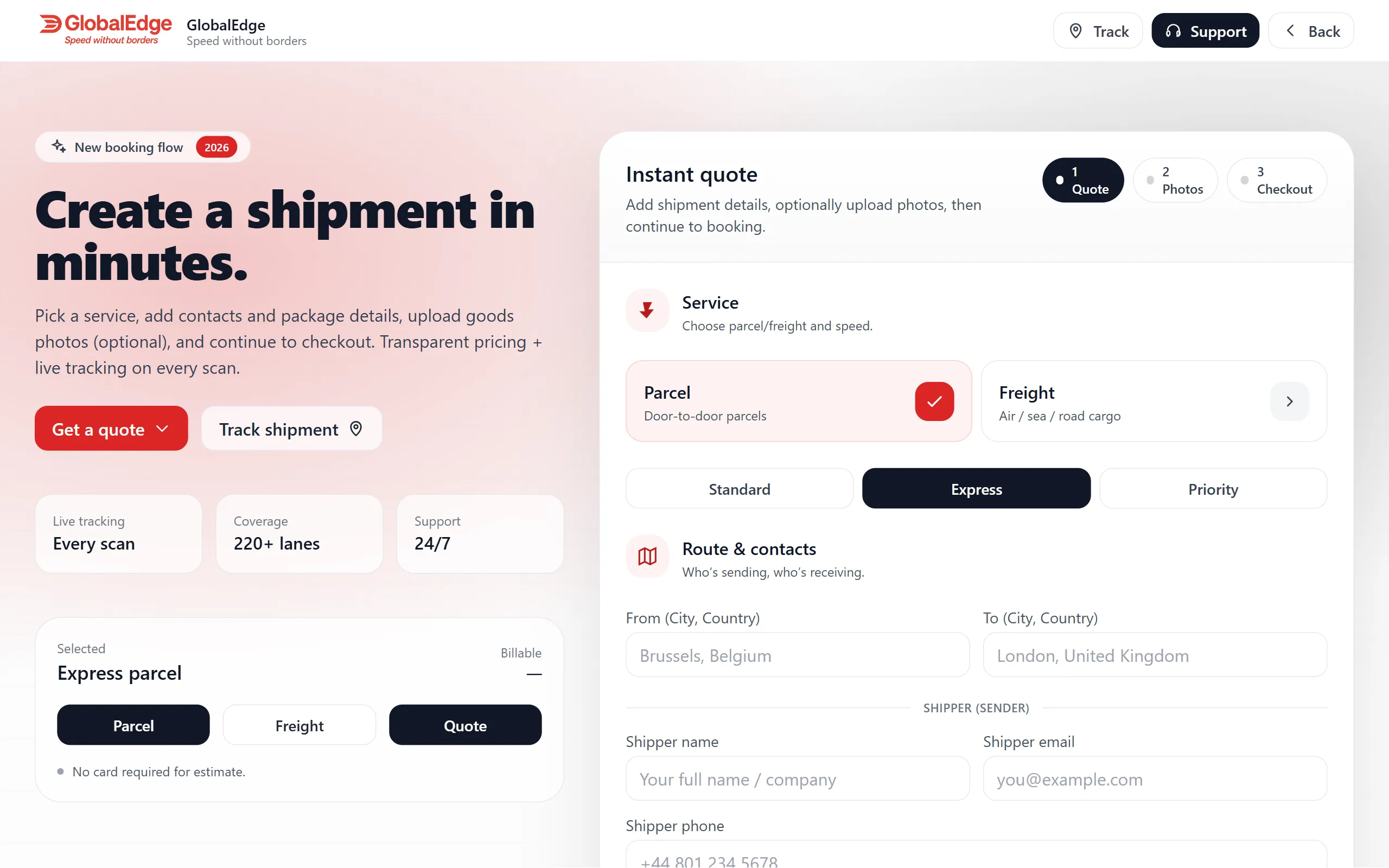
The booking form brings the service, route and contact details together.
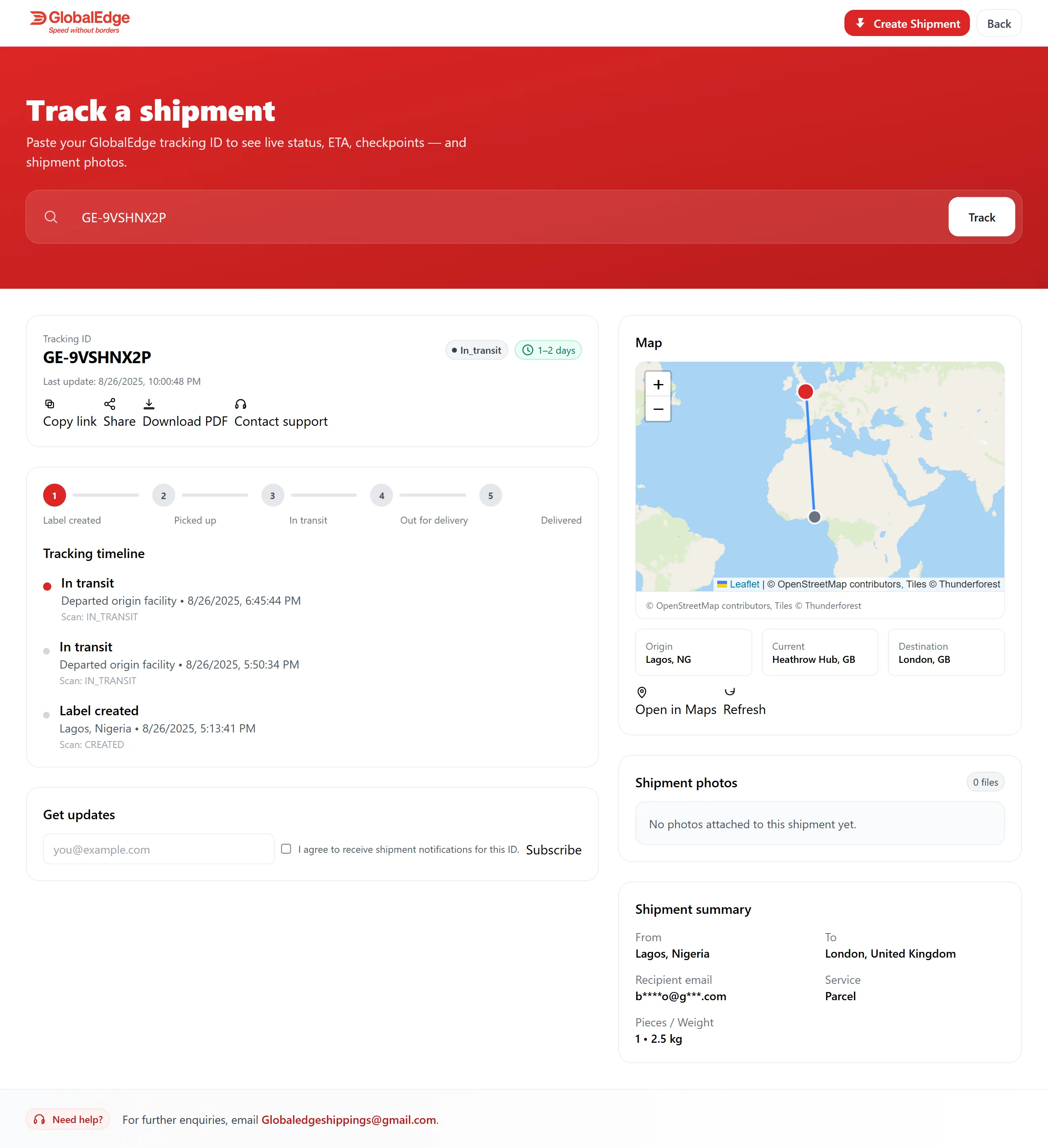
A timeline and map show the shipment’s progress in one view.
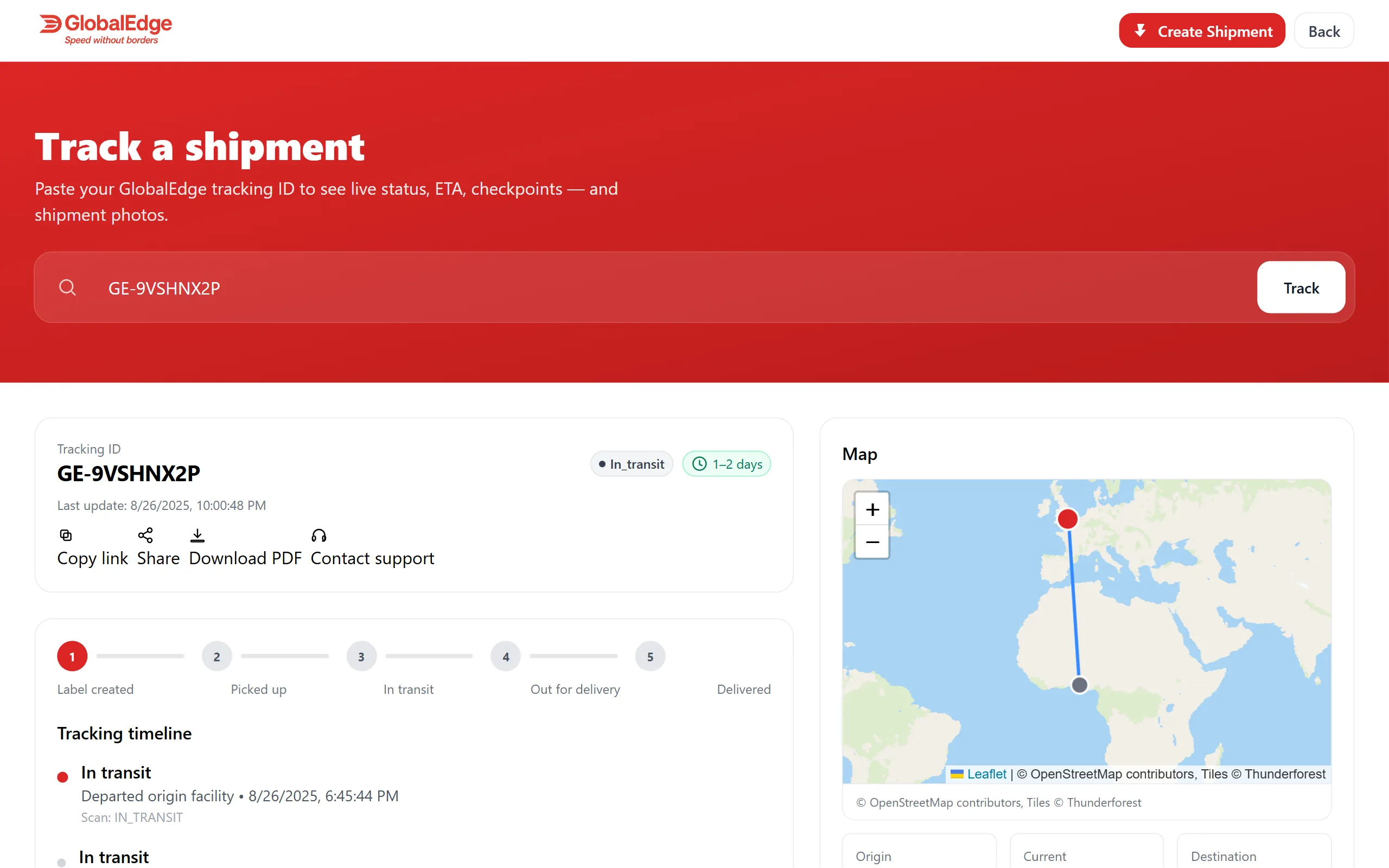
The larger map gives more space to the route and current location.
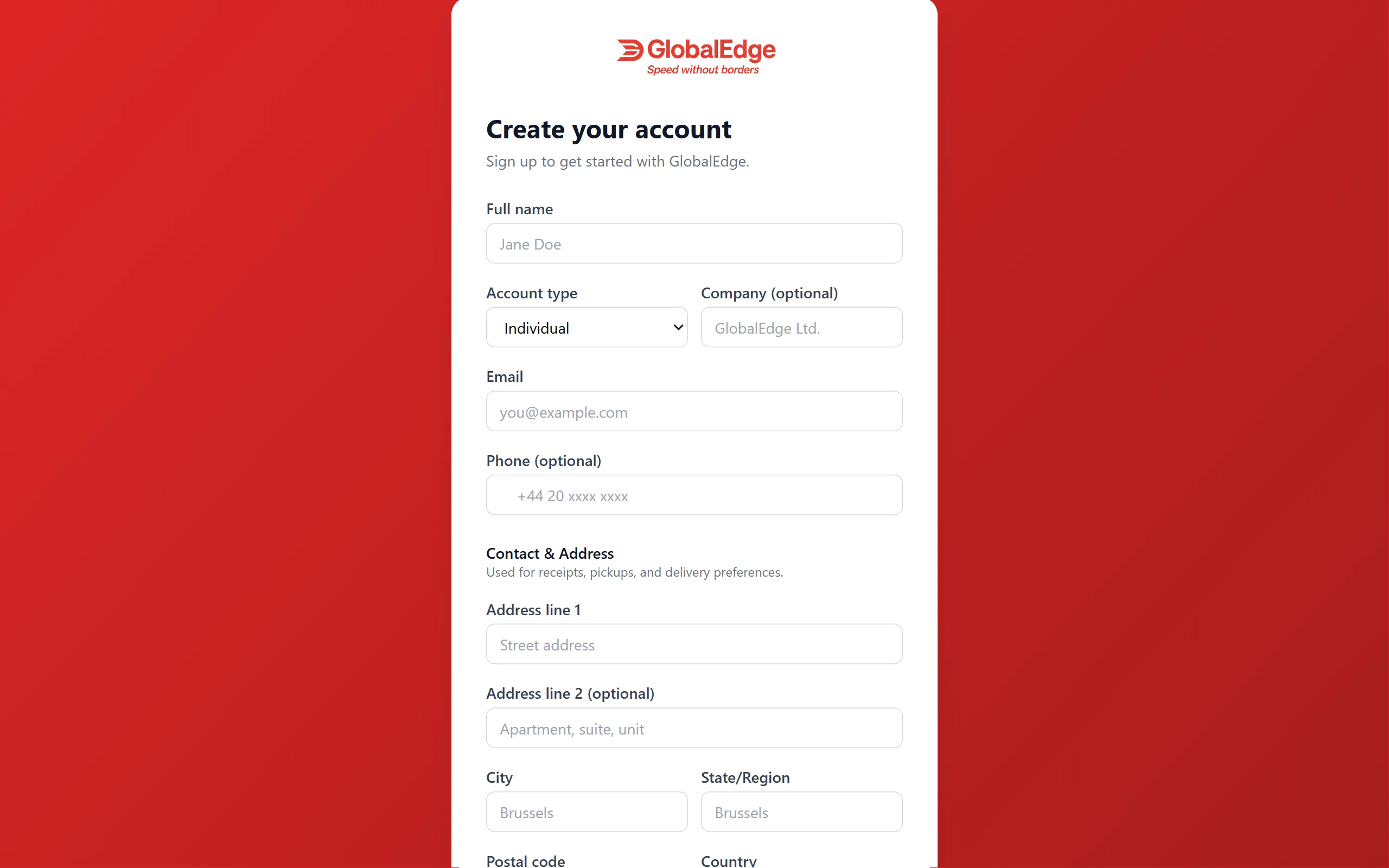
Account registration collects the information needed to get started.
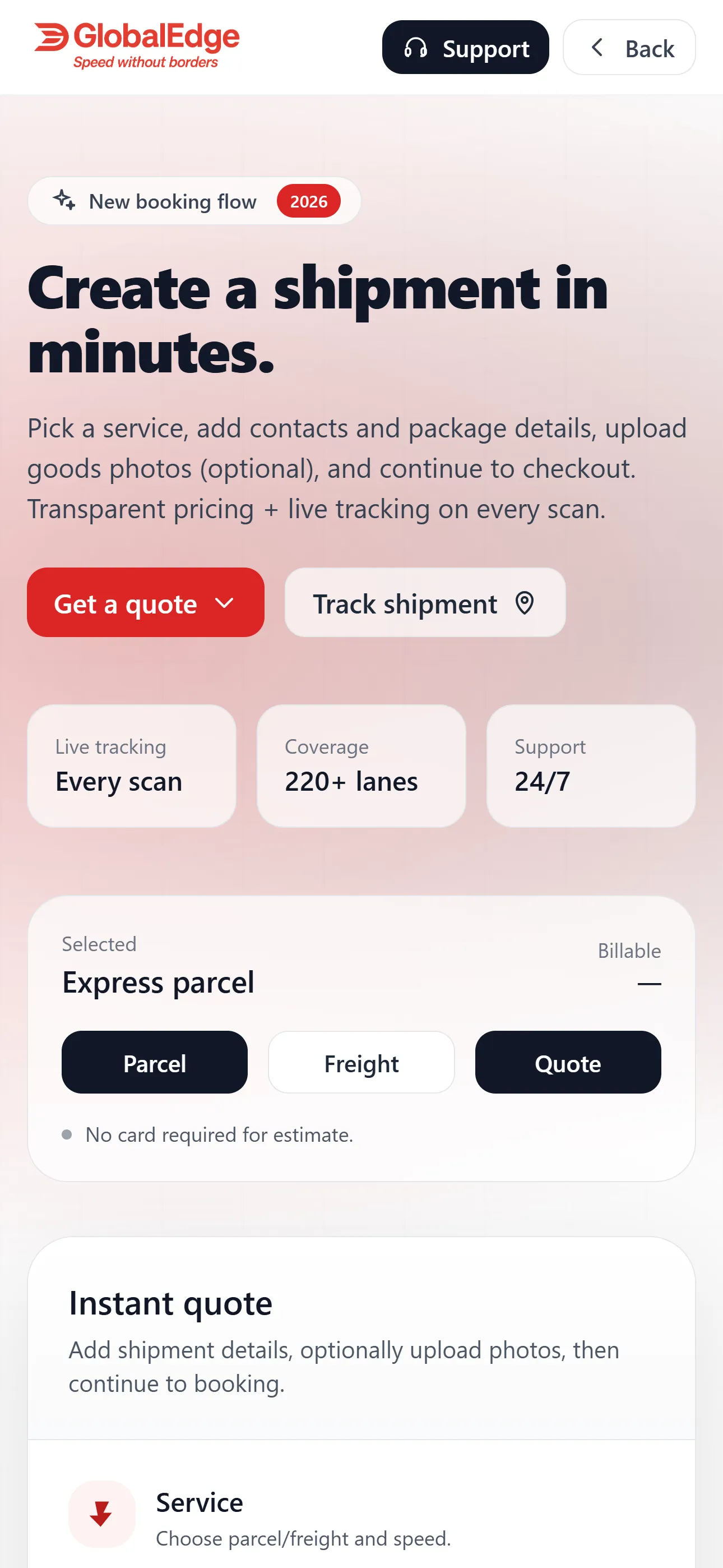
The booking form is rearranged for completing a shipment on a phone.
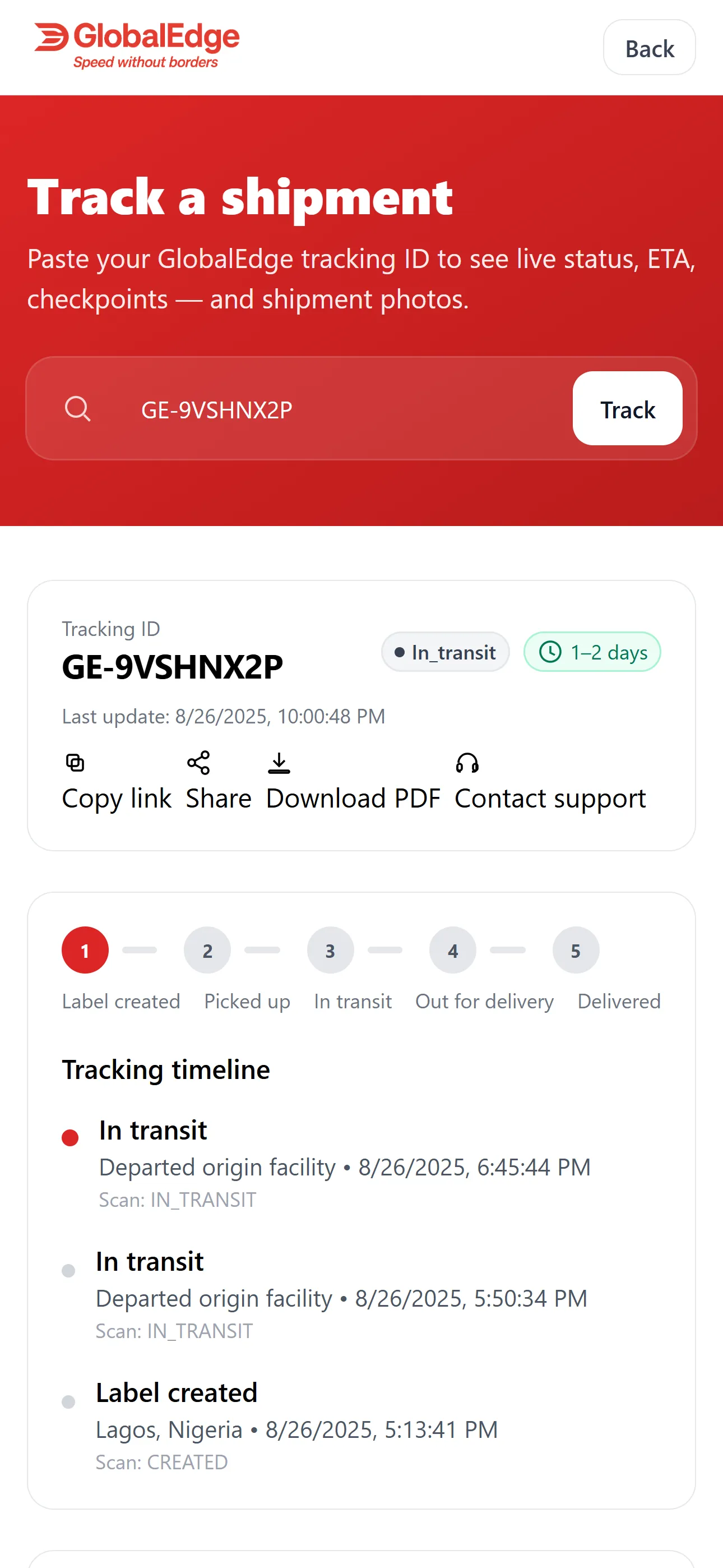
Phone tracking keeps the status and recent updates easy to check.